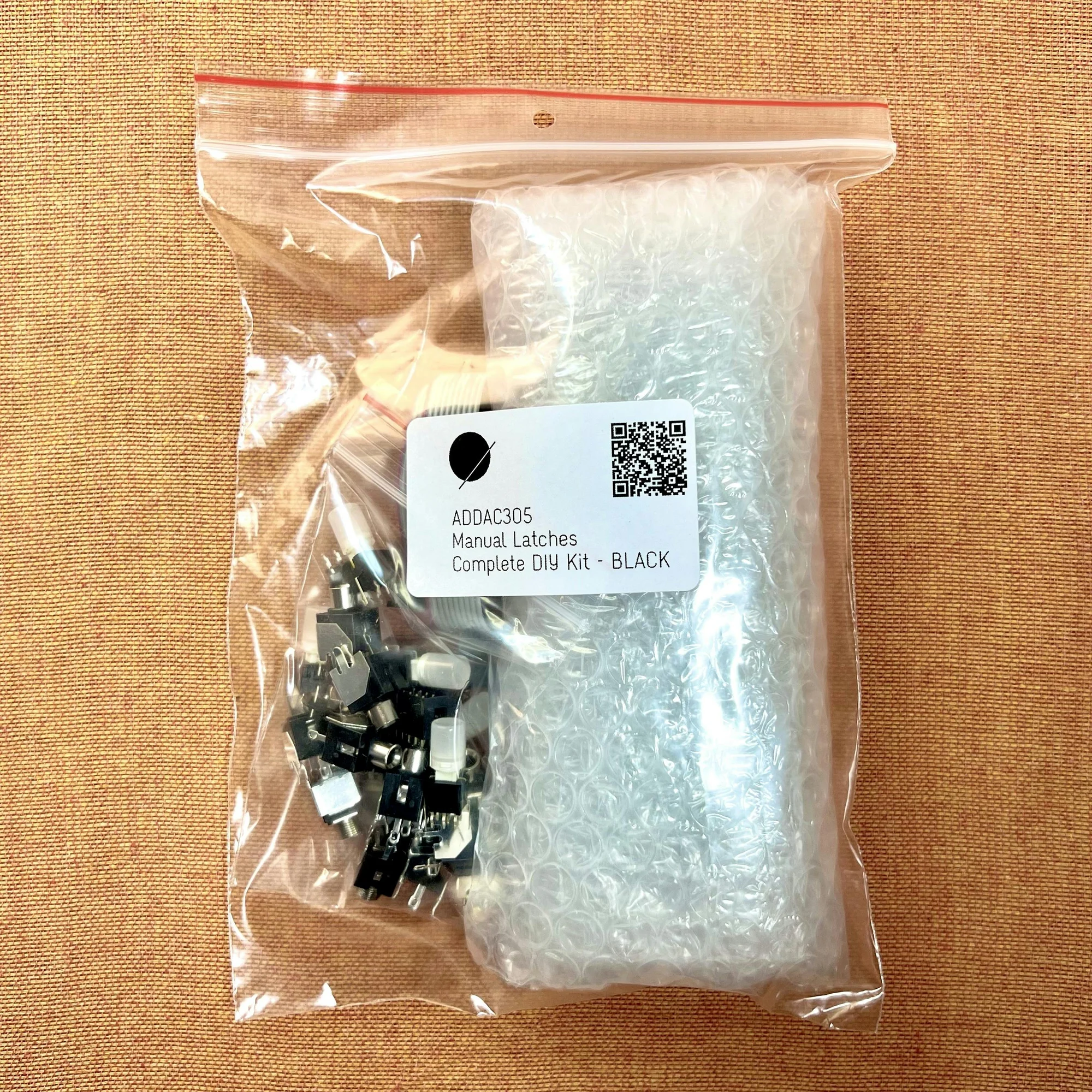
This is EP.1 of our guide series on the ADDAC304 Manual Gates and ADDAC305 Manual Latches. This time, we'll follow ADDAC System's official video "ADDAC304 & ADDAC305 Manual Gates and Latches" and sort out the basic differences between these two modules, plus where they fit in performance patches.
Both modules are utility modules for making Gate signals by hand, with eight buttons and eight outputs. The ADDAC304 is momentary: it outputs +5V only while you hold a button. The ADDAC305 is latching: each button press toggles the output on or off, and it outputs +5V while the channel is on. Both modules also provide four input channels, allowing an external audio signal or CV to pass through under manual switch control.
- Basic Behavior of the Two Modules
- Inputs on Channels 2/4/5/7
- Starting Sequencers by Hand
- Reset and One-Shot Triggers
- Temporarily Moving Filters and Effects
- Turning Drums and States On with a Latch
- Direction, Decay, and Random Voltage Applications
- Which One Should You Choose?
Basic Behavior of the Two Modules
The ADDAC304 and ADDAC305 have very similar panel layouts. Both provide eight outputs, and each output sends a +5V Gate depending on how its button is operated.
The difference is how the button state is held. On the ADDAC304, the output goes HIGH only while the button is pressed. When you release the button, the output returns LOW. On the ADDAC305, one press turns the output HIGH, and it stays there until the next press.
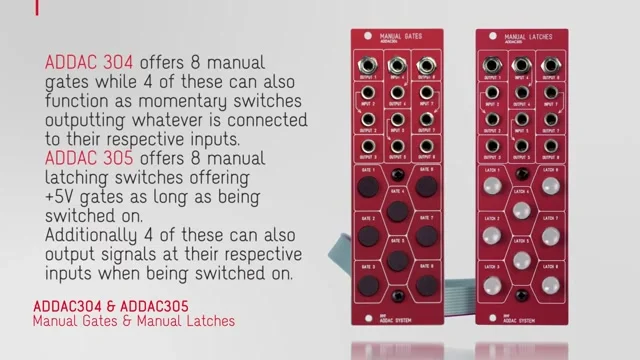
Because of that difference, the ADDAC304 is suited to actions you want to trigger only in the moment: playing a sample, triggering an envelope, or creating a short filter movement.
The ADDAC305 is better suited to actions where you want to keep a state active for a while: muting and unmuting a drum track, changing a sequencer direction or reset state, or mixing in another CV for a certain period.
Inputs on Channels 2/4/5/7
Both modules provide inputs corresponding to four of their eight outputs: channels 2, 4, 5, and 7. In the video, these are described as normal +5V Gate outputs when nothing is connected to the input, and as manually switched pass-through paths when an external signal is connected.
The signal you pass through does not have to be a Gate or CV. The cards in the video describe these switches as usable for both audio signals and CV.
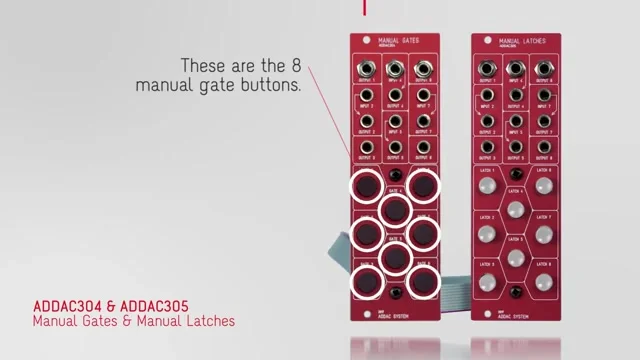
On the ADDAC304, the input signal passes only while you hold the button. It behaves like a normally closed manual gate that opens only for the moment you need it. When nothing is connected to the input, that channel behaves like the others and outputs a +5V Gate.
On the ADDAC305, the input signal passes while the button is toggled on. That makes it easy to use as a mute/unmute switch for a signal line. With no input connected, the latch switch outputs +5V for as long as it is on.
Starting Sequencers by Hand
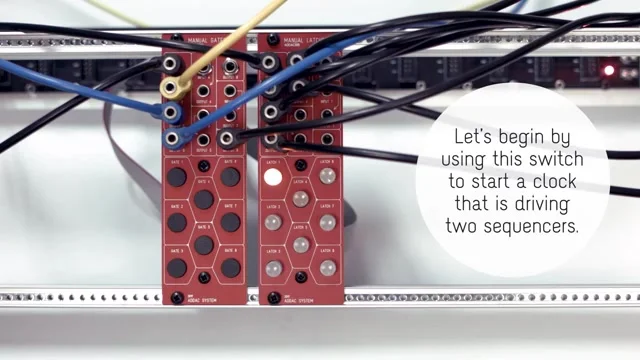
The first demo in the video shows an example of using the ADDAC304/305 to start two sequencers at the same time.
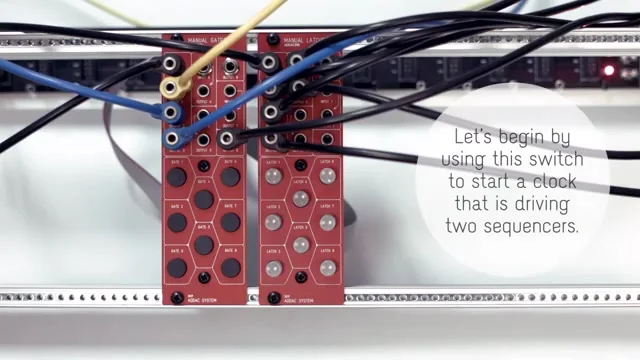
In a modular synthesizer, control signals such as clocks and resets are also handled as CV. A module that lets you send Gates by hand can therefore become part of the patch for actions like "start here" or "stop here" during a performance.
With the ADDAC304, a start Gate is sent only while you hold the button. With the ADDAC305, you can keep the state on, which makes it easier to use for sequencer run/stop behavior or for opening and closing a stream of Gates.
Reset and One-Shot Triggers
The video then moves to an example of resetting a sequencer with a manual Gate. If the sequencer has a reset input, pressing an ADDAC304 button can send it back to the beginning of the pattern at any timing you choose.
The same idea applies to trigger inputs on envelope generators and samplers. In the video, a manual Gate is used to trigger an envelope and make a sound.
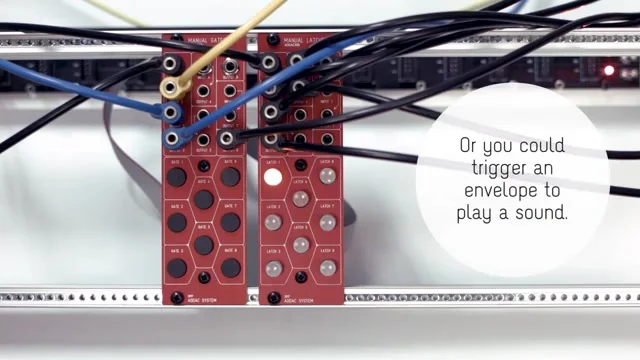
For this use, the momentary behavior of the ADDAC304 feels natural. It lets you create an event only when you press the button, so you can insert accents, crashes, one-shot samples, or short envelopes by hand during a performance.
Temporarily Moving Filters and Effects
The video also shows sending the +5V manual Gate to a filter input. It is a simple use case: the filter opens only while the button is pressed.
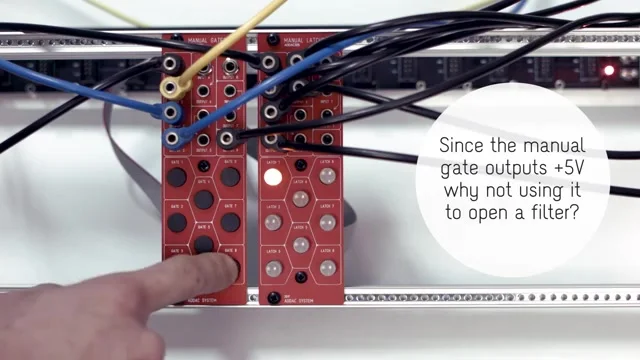
In this kind of patch, you can also use the input channels to pass another signal instead of only outputting a Gate. For example, you could patch an LFO or envelope into an input, then send that modulation to another module only while the button is pressed.
If you patch audio into the input, the ADDAC304 can act as a switch that passes sound only while you hold the button. The video shows an example of temporarily sending an audio signal to a delay effect. Because this routes the audio itself rather than CV, it clearly shows that the input channels can also be used for audio.
The ADDAC304 is suited to quick, momentary changes such as briefly deepening an effect. The ADDAC305 is easier to handle when you want to keep the same change active for a while.
Turning Drums and States On with a Latch
The latching behavior of the ADDAC305 is useful when working with continuous Gate streams such as drums and clocks. In the video, another drum trigger is added with a latch switch.
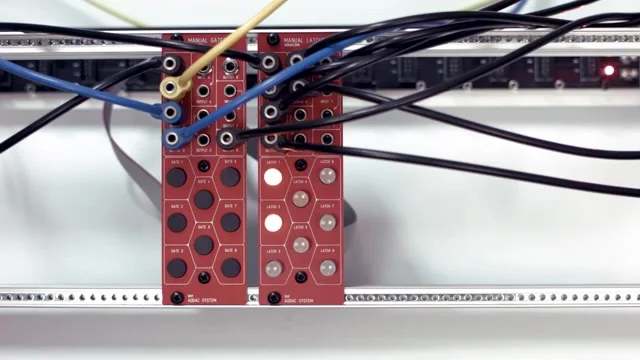
Patch a sequencer's Gate stream into one of the input-equipped channels, and send the output to a drum module. In that setup, the ADDAC305 works as a manual mute switch. When the button is off, the Gate stream stops. When it is on, the Gate stream passes through.
The illuminated buttons are also practical because they show which channels are on. When you are controlling several drums or modulation paths at once, being able to see the current state on the panel helps reduce mistakes during performance.
Direction, Decay, and Random Voltage Applications
In the second half of the video, the examples move deeper into patching: a sequencer Direction input, an envelope Decay parameter, random voltage sent to an oscillator, and so on.
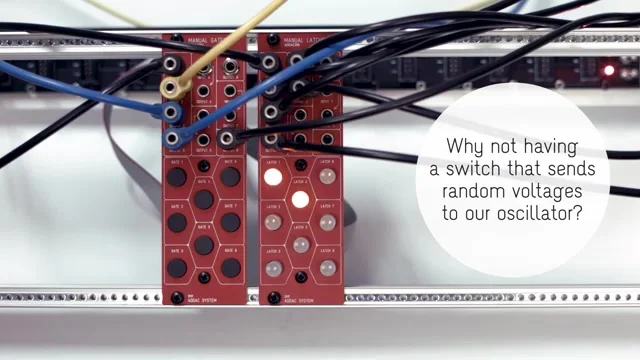
For destinations like a Direction input, the ADDAC305's latch behavior can be especially easy to use. It lets you treat the change as a state: reverse direction while the switch is on, or switch into another behavior mode. In the same way, another latch switch can control an envelope's Decay parameter, letting you switch between a short decay and a long decay from the panel.
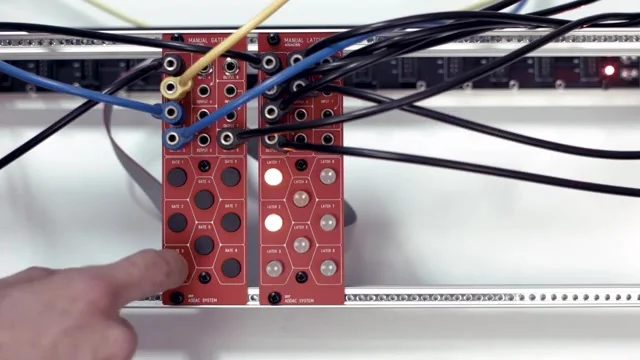
The random-voltage-to-oscillator example makes the role of the input-equipped channels easy to understand. You can keep the random CV path closed by default, then pass it only when needed with the ADDAC304, or keep it on with the ADDAC305.
Which One Should You Choose?
The ADDAC304 and ADDAC305 are not in a simple better/worse relationship. They differ in the time feel of the operation you want to perform by hand.
ADDAC304: for actions you want active only while pressing
ADDAC305: for actions you want to turn on and keep active
For short triggers, momentary effects, and hand-played accents, the ADDAC304 is easier to handle. For mute/unmute duties, state changes, and modulation that should continue for a while, the ADDAC305 fits better.
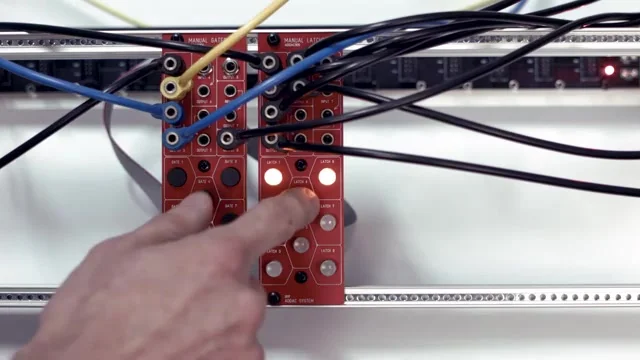
Used together, the two modules put momentary switches and state-holding switches in the same area of the system. They are not sound-generating modules, but they let you add "right now," "for a while," and "from here" kinds of actions directly into a patch, which feels very natural in a modular setup.
That's it for EP.1. This time, we sorted out the basic behavior of the ADDAC304 Manual Gates and ADDAC305 Manual Latches, along with the uses introduced in the official video.
These modules are fairly popular at Takazudo Modular. I think that is probably because they are relatively affordable, easy to add to many different setups, and have that sense that they can do a lot of things. A module like this can open up creativity when you have one in your setup, so it should be fun to imagine different ways to use it.
ADDAC304 / ADDAC305 Product Details
See the product detail pages below for the ADDAC304 / ADDAC305.
Simple utility module for manually generating gate signals. Multiple channels for flexible live performance and improvisational patching.
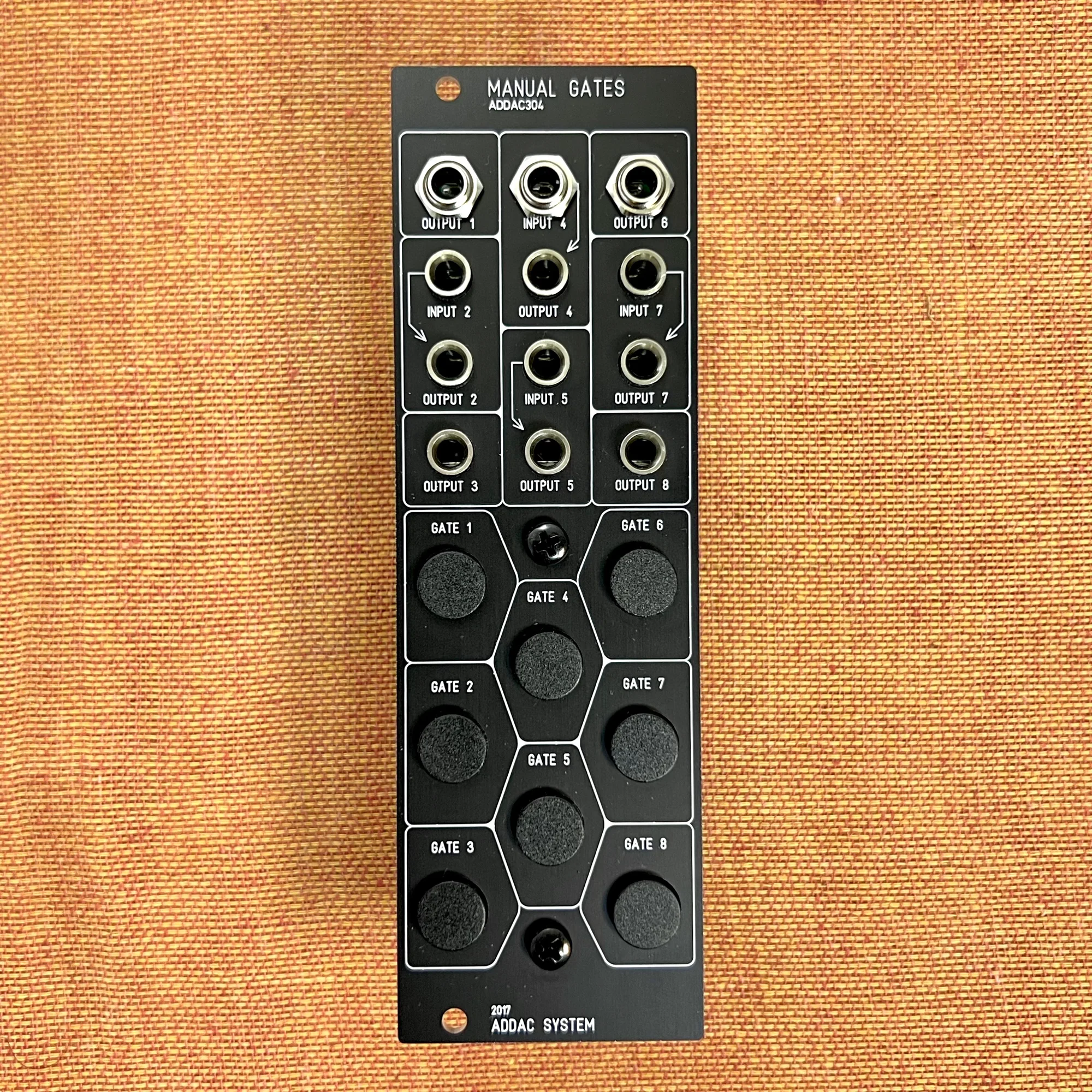
Simple utility module for manually generating gate signals. Multiple channels for flexible live performance and improvisational patching.
Utility module for controlling latch states via button operation. Provides convenient switch functions for holding and toggling gate signals.
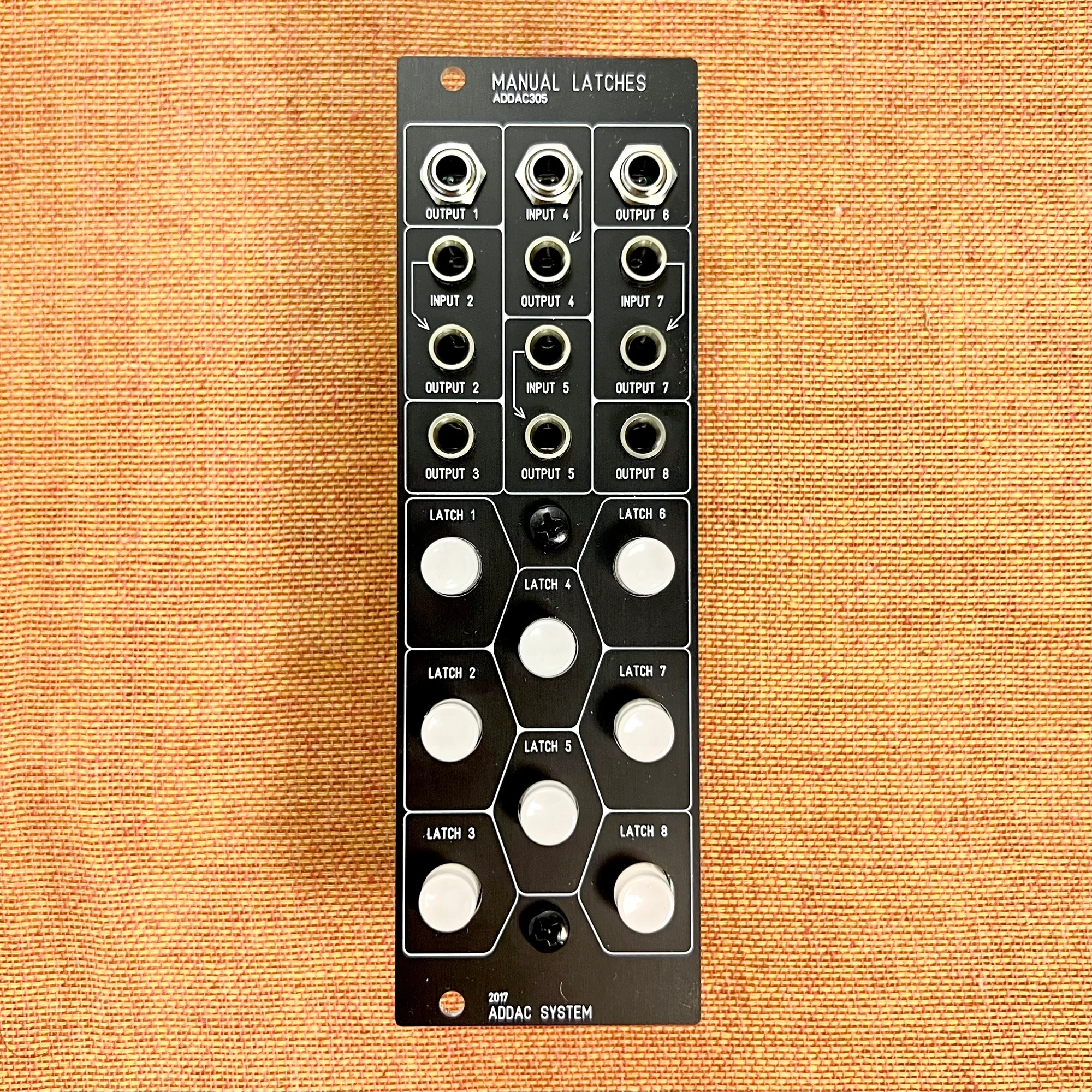
Utility module for controlling latch states via button operation. Provides convenient switch functions for holding and toggling gate signals.