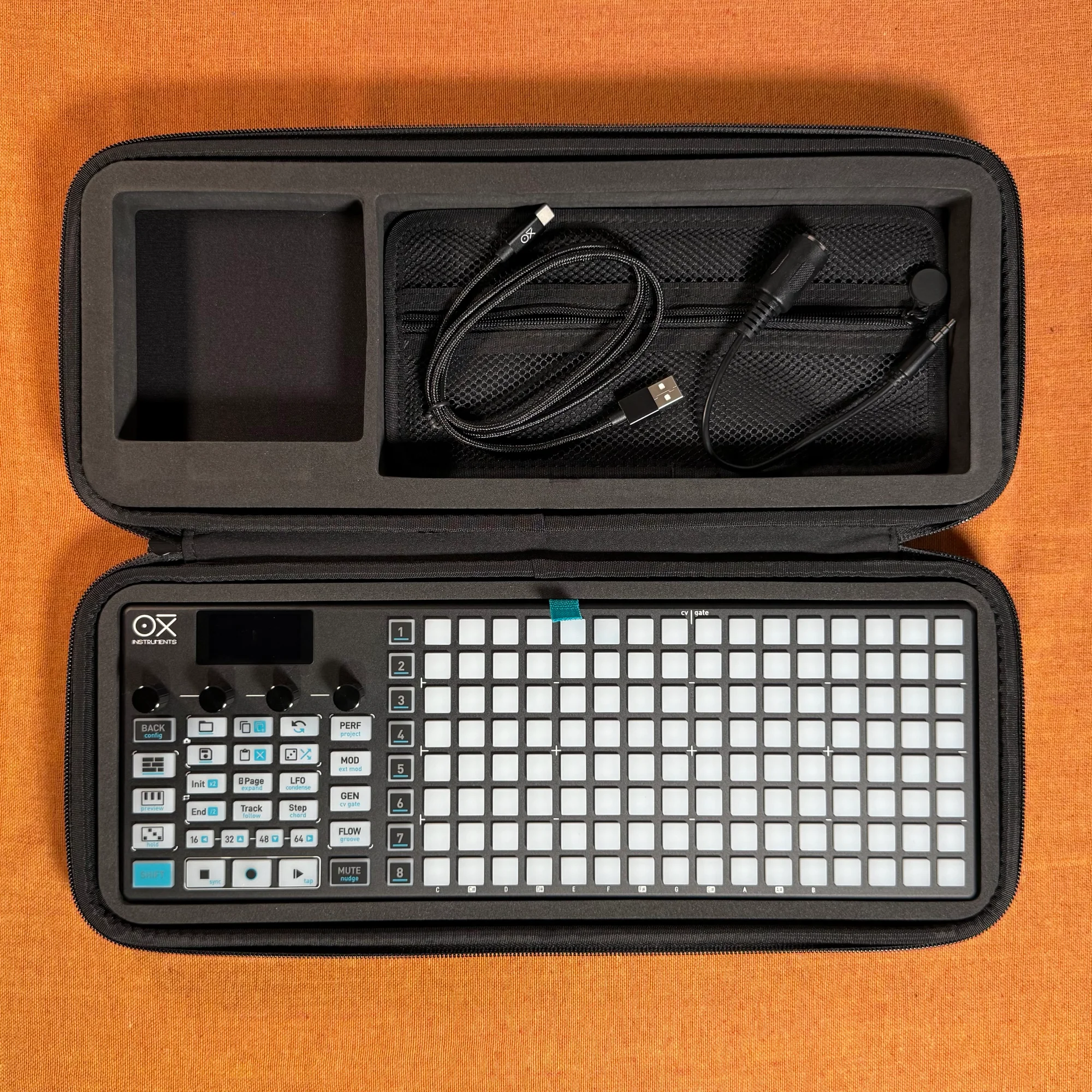
This is EP.12 of the OXI ONE MKII guide series. This time we'll cover Domino Mode, a new sequencing mode added in the firmware.
Domino Mode is a polyphonic sequencer that treats melody (pitch) information and rhythm (trigger) information separately. By splitting these two elements into independent layouts, the mode aims for a workflow that generates a wide range of variations from a single musical idea. Features available in mono / poly mode (the repetition engine, accumulators, and so on) work the same way in Domino Mode.
Takazudo Modular publishes manuals and related documents with Japanese translations. See the links below.
- Domino Mode Overview
- Note Section and Trigger Section
- Matching the Length of Both Sections
- Note Input Methods
- mono / poly and Multiplex Settings
- Decoupling the Sections
- Repetition Engine Behavior
- Accumulators
- Velocity / Gate / Groove / Randomization
- Coming Up Next
Domino Mode Overview
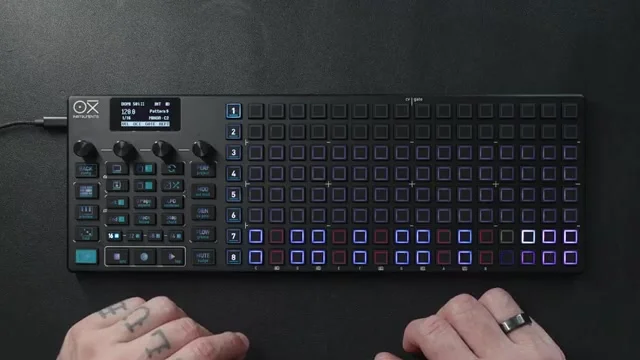
In Domino Mode, the grid is broadly split into two areas. The note section handles pitch and the trigger section handles rhythm, and each can be edited as an independent sequence.
Every time an active trigger fires in the trigger section, the playhead in the note section advances by one. In other words, "when to play a note (trigger)" and "which note to play (note)" are separated, so just changing the length or step layout of the two sections produces different phrases from the same row of notes.
Note Section and Trigger Section
The grid is laid out as follows.
Top 2 rows: The note section. Enter pitch values here
The 4 rows below: The trigger section. Active triggers advance the note section's playhead
The bottom 2 rows: The keyboard, along with the octave selector (yellow and blue) and the velocity selector (pink)
When you enable a step in the trigger section, a note sounds at that timing and the note section's playhead simultaneously advances to the next position. Think of the note section as holding, in order, "which note to play next."
Matching the Length of Both Sections
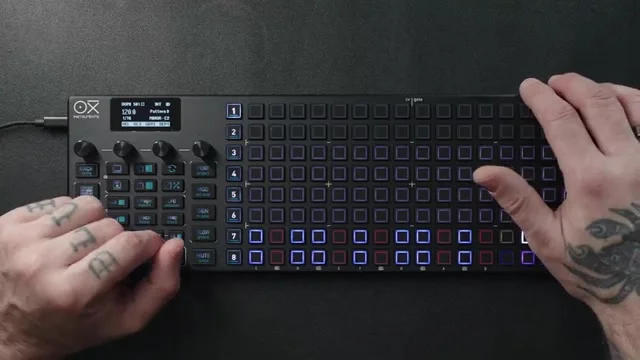
To understand how Domino Mode behaves, let's first set both the note section and the trigger section to a length of 4 steps.
Holding the End button and pressing the 4th step in each area sets that section's length to 4 steps. Do the same for both the note section and the trigger section, and the two sections sync up completely, giving you a simple 4-step sequence.
Note Input Methods
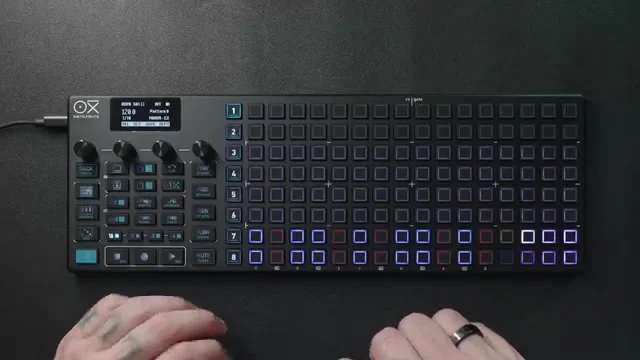
There are several ways to enter notes.
The first is to move between pages and set values with the encoder. You can enter pitches with the same feel as in mono / poly mode.
The second is to use the keyboard directly. While holding down a note step, add pitches from the keyboard along the bottom. Notes that are already entered light up white, so you can edit while checking the current state. Tapping the keyboard toggles between adding and removing a note.
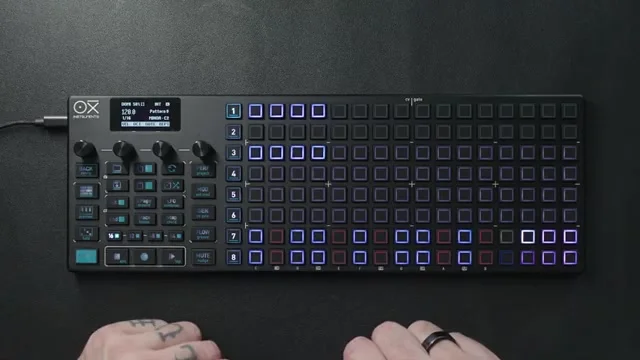
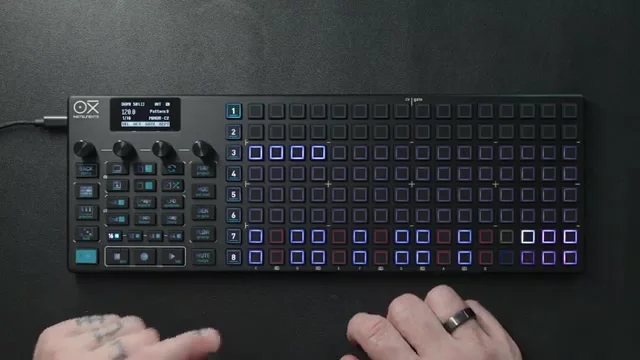
The third is to hold down multiple notes on the keyboard and then tap a step. All the pitches you're holding are entered into that step at once. If the step already contains notes, they're replaced by the newly held notes.
mono / poly and Multiplex Settings
In the sequencer settings, you can choose whether Domino Mode runs in mono mode or poly mode. On top of that, enabling the Multiplex feature lets you distribute polyphonic information across multiple MIDI channels on output. The detailed usage of Multiplex will be covered in a future video.
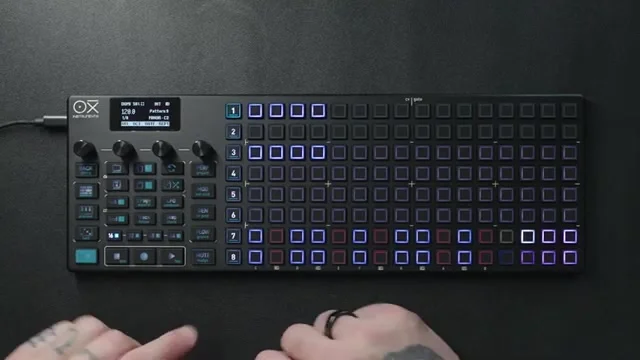
The default is poly mode, where you can stack up to 4 notes per step.
Decoupling the Sections
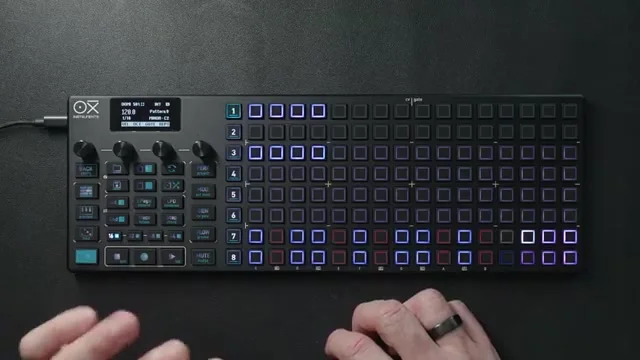
Matching the length of both sections is only a starting point. From here, as you remove steps from one section, the notes and triggers decouple (separate), and the two sections start running on different cycles.
First, removing one trigger reduces the number of triggers per cycle, so the note section's playhead only advances 3 times per cycle. If you then change the trigger section's length to 5 steps and remove one step from the note section as well, the cycles of the two sections fall out of alignment, creating a phase shift in the sequence.
This is the central idea behind Domino Mode: treating melody and rhythm as independent elements. Even if you leave a single row of notes untouched, just changing the trigger side's length or layout keeps the phrase shifting little by little.
Repetition Engine Behavior
The repetition engine behaves differently in the note section versus the trigger section.
When you add a repeat to the note section, that step's note is repeated but the note playhead does not advance. The result is the same note sounding repeatedly.
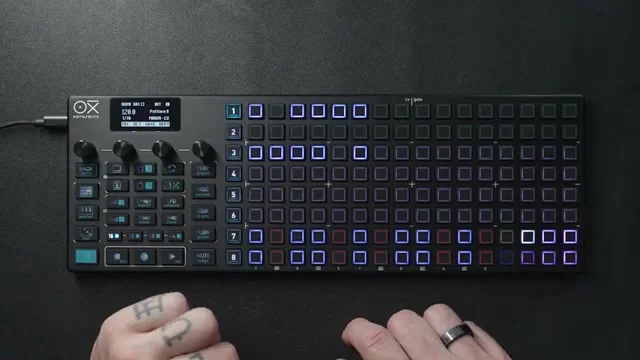
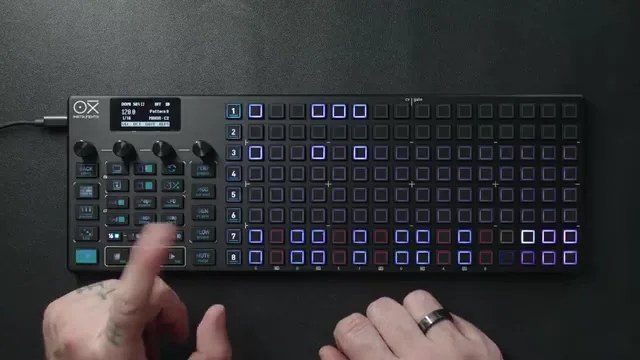
On the other hand, when you add a repeat to the trigger section, the note playhead advances once per repeat. Depending on the number of repeats, one different note after another gets called up. How the repeats mesh with the row of notes determines the phrase that comes out.
Accumulators
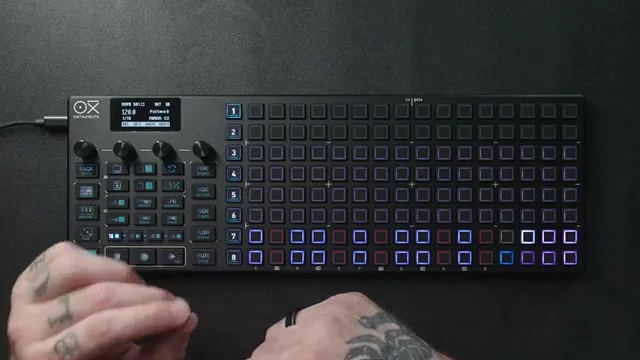
Just as in mono / poly mode, you can use accumulators in Domino Mode too. By adding to and changing a step's value on each pass, you can build sequences that keep developing in complex ways. Combined with the decoupling and repeat mechanisms, even the same pattern can become a sequence that slowly evolves over a long stretch of time.
Velocity / Gate / Groove / Randomization
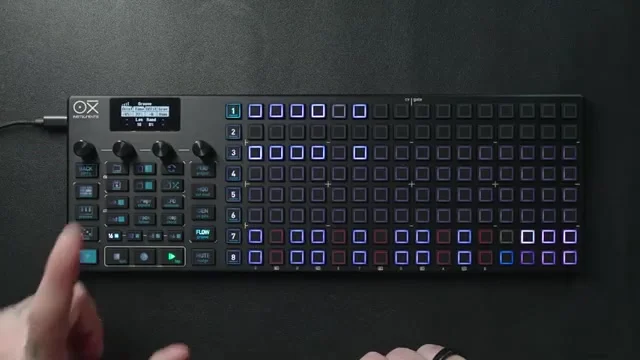
On the note page, you can change each step's Velocity and Gate (note length). Apply Groove to the whole pattern and you can add a sense of swing to the timing.
As a finishing touch, adding randomization to Velocity, octave, and note each makes the performance a little different every time, softening the mechanical feel of repetition.
Coming Up Next
In the video, the Multiplex feature — distributing polyphonic information across multiple MIDI channels — is previewed as a topic for an upcoming video.
That's it for EP.12. This time we covered Domino Mode.
When Takazudo first came across this video, I thought, "Huh? Did this feature even exist?" — but it turns out this is a new mode added in firmware version 2. A new Saga mode was added as well, and it feels like an ambitious update. (In other words, if you bought your unit before June 2026, note that you'll need to update the firmware.)
The concept itself is about separating the melody from when the notes actually sound. Personally, with modular synths you can do that kind of thing fairly freely, so having it all wrapped up inside a single sequencer is a welcome feature. And since the repeat and accumulator features sit on top of that, my impression is that it enables even more advanced control.
And because you can control a long sequence from just this one page, even when you're only using a short melody, it seems like a mode where you can add all sorts of variations and development by switching the start and end positions.
An update like this to the OXI ONE will probably feel fresh to anyone who's thought of a sequencer as nothing more than something that plays back recorded MIDI. It's a mode that really lets you feel the fun of a sequencer, so I'd definitely encourage you to give it a try.
OXI ONE MKII Product Details
See the product details for the OXI ONE MKII below.
Black Edition of the next-generation standalone sequencer succeeding the original OXI ONE, handling 8 parts and up to 64 tracks. Enhanced generative features, a large OLED display, and a beefed-up CPU suit it for modular rigs, MIDI-hardware live sets, and DAW-based production.
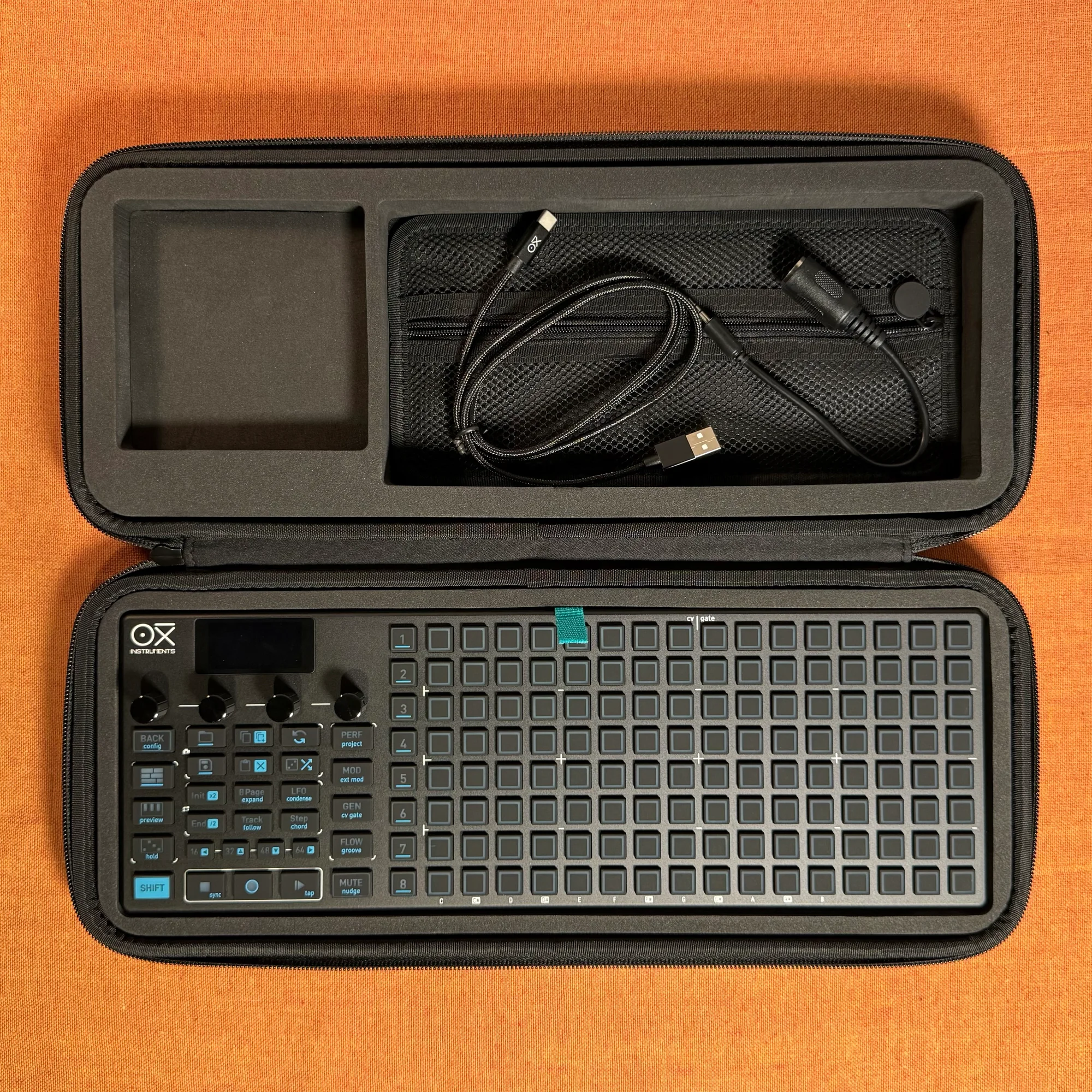
Nostalgia Edition of the next-generation standalone sequencer succeeding the original OXI ONE, handling 8 parts and up to 64 tracks. Enhanced generative features, a large OLED display, and a beefed-up CPU suit it for modular rigs, MIDI-hardware live sets, and DAW-based production.