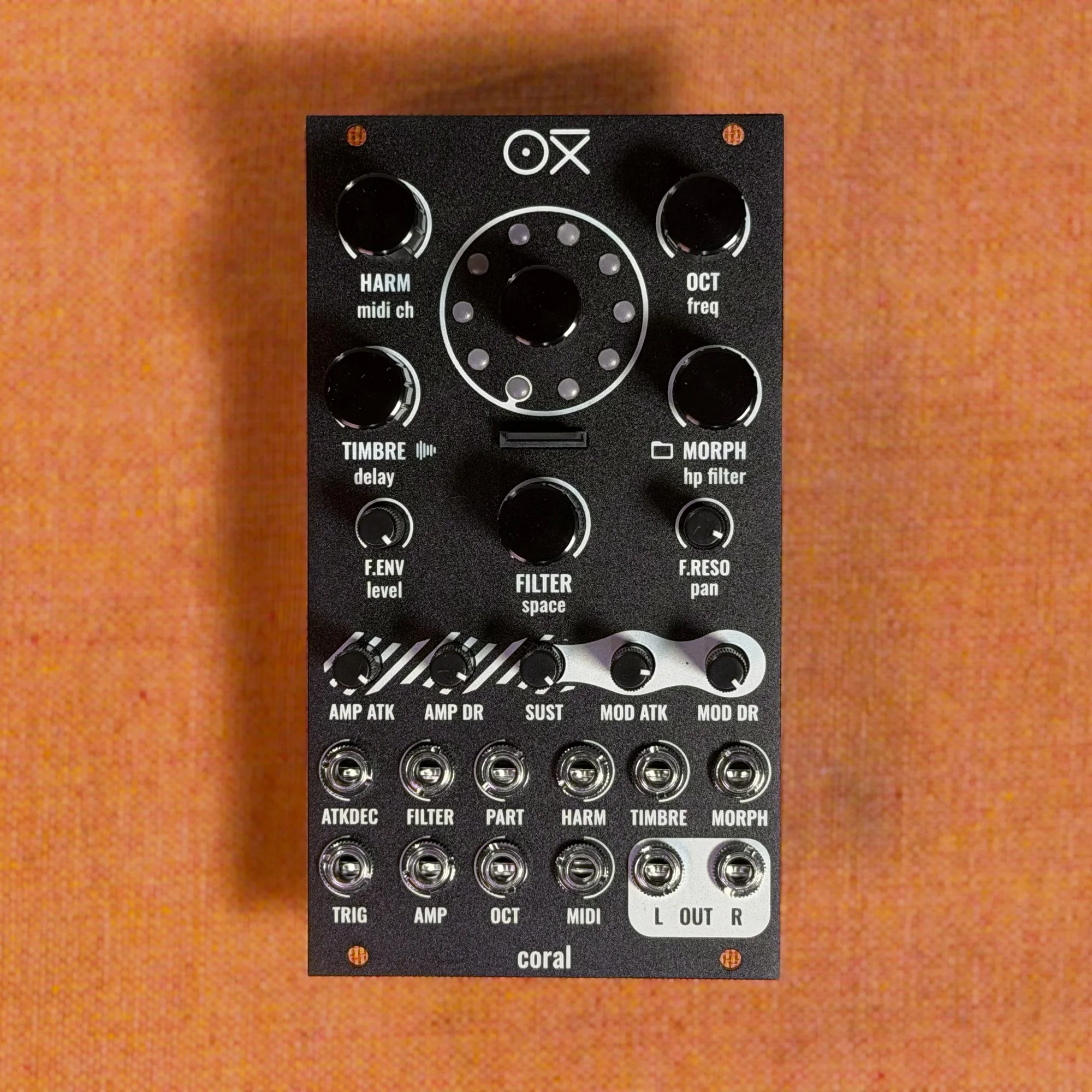
Welcome to EP.3 of the OXI Coral guide series. This time, I'll walk through each of the 10 voice engines built into Coral.
The OXI Coral packs 10 different synthesis engines into a single module. Virtual analog, FM synthesis, wavetable, string modeling, percussion engines, and even a sample player — a wide sonic palette condensed into a compact 14HP module.
Takazudo Modular publishes manuals and related documents with Japanese translations. See the links below.
- Switching Engines
- Engine 1: 2 VCO Virtual Analog
- Engine 2: Waveshaper
- Engine 3: 2 OP FM
- Engine 4: Wavetable
- Engine 5: MDO (Multiple Detuned Oscillator)
- Engine 6: String
- Engine 7: Hi Hat Synth
- Engine 8: Snare Synth
- Engine 9: Bass Drum Synth
- Engine 10: Wave Player
- Practical Tips
Switching Engines
Turning the encoder in the center of the panel switches the engine for the currently selected voice. The instant you start turning it, the LED ring displays the currently selected engine position in pink.
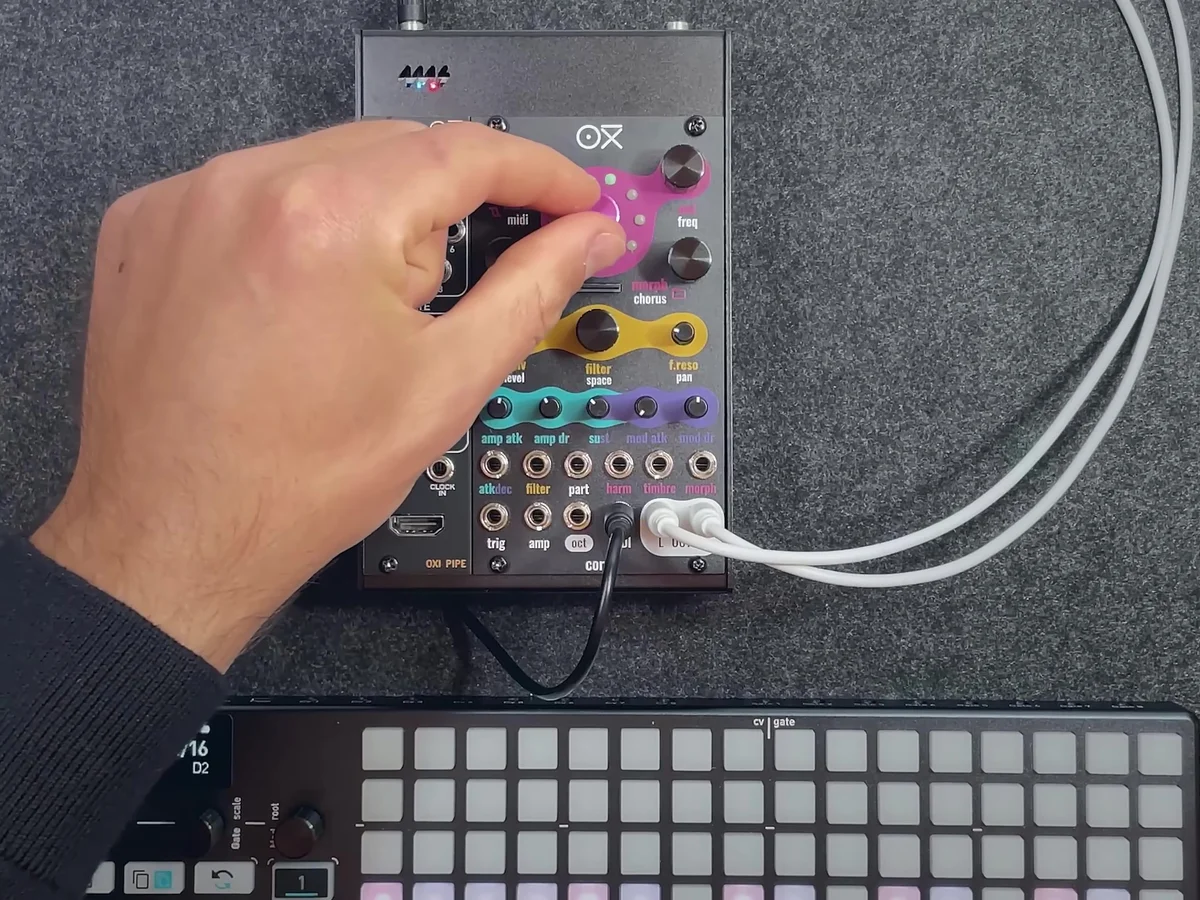
There are 10 engines numbered 1 through 10, and each turn of the encoder advances through them in order. When you change engines, the roles of the three knobs — Harm, Timbre, and Morph — switch to that engine's specific parameters.
Engine 1: 2 VCO Virtual Analog
This engine delivers classic analog synthesis via two virtual analog oscillators. The second oscillator is synced to the first.
The knob roles are as follows:
Harm: Detune amount between the two oscillators. Changes along musical intervals
Timbre: Variable Square waveform. Morphs from narrow pulse to full Square to hard sync formant
Morph: Variable Saw waveform. Morphs from triangle to Saw with a wide notch
Turning the Harm knob detunes the two oscillators, giving you a rich, chorus-like sound. Since the detune amount corresponds to musical intervals, this design makes it easy to dial in precise harmony effects.
Engine 2: Waveshaper
This engine processes an asymmetric triangle wave through a waveshaper and wavefolder. It generates rich harmonic content.
The knob roles are as follows:
Harm: Selects the waveshaper waveform
Timbre: Wavefolder amount. Increasing it adds more harmonics
Morph: Waveform asymmetry
As you turn up Timbre (the wavefolder amount), the waveform folds back on itself repeatedly, adding harmonics and producing distinctive overtones. Combining this with the waveform asymmetry of Morph lets you create even more complex sounds.
Engine 3: 2 OP FM
An FM synthesis engine where two sine wave oscillators modulate each other's phase. Despite the simple 2-operator structure, it can produce a wide variety of timbres — from metallic sounds to bell-like tones to gritty FM textures.
The knob roles are as follows:
Harm: Frequency ratio (ratio between carrier and modulator)
Timbre: Modulation index. The core parameter of FM synthesis, controlling the amount of harmonics
Morph: Feedback amount. Past 12 o'clock, operator 2 modulates its own phase (a rough sound); before 12 o'clock, it modulates operator 1's phase (a chaotic sound)
The combination of Harm (frequency ratio) and Timbre (modulation index) yields an incredibly wide range of sounds. Integer ratios produce harmonic, metallic tones; non-integer ratios produce inharmonic bell and percussive sounds.
Engine 4: Wavetable
A synthesis engine using a 3-dimensional (3x3x3) wavetable. 27 waveforms crossfade together to generate a single sound. You can also load custom wavetables from an SD card to create your own unique sounds.
The knob roles are as follows:
Harm: Wavetable position on the Z axis (depth dimension)
Timbre: Wavetable position on the X axis
Morph: Wavetable position on the Y axis
A default wavetable is loaded, consisting of 27 waveforms in a 3x3x3 arrangement. You can load custom wavetables by placing .wav files with a "WAVETABLE" prefix on your SD card. OXI's official "OXI Wave" desktop app also lets you create and export your own wavetables.
You can freely navigate the 3-dimensional wavetable with the Harm, Timbre, and Morph knobs. Since each voice can have different parameter values, you can use different positions within the wavetable across 8-voice polyphonic performances for a richer sound.
Engine 5: MDO (Multiple Detuned Oscillator)
MDO stands for "Multiple Detuned Oscillator." Each voice contains 8 detuned oscillators, with morphing available from Saw to Square/PWM.
The knob roles are as follows:
Harm: Detune amount. Controls the spread of the 8 oscillators
Timbre: Waveform morph. Gradually transitions from Saw to Square
Morph: PWM (pulse width modulation) of the Square waveform
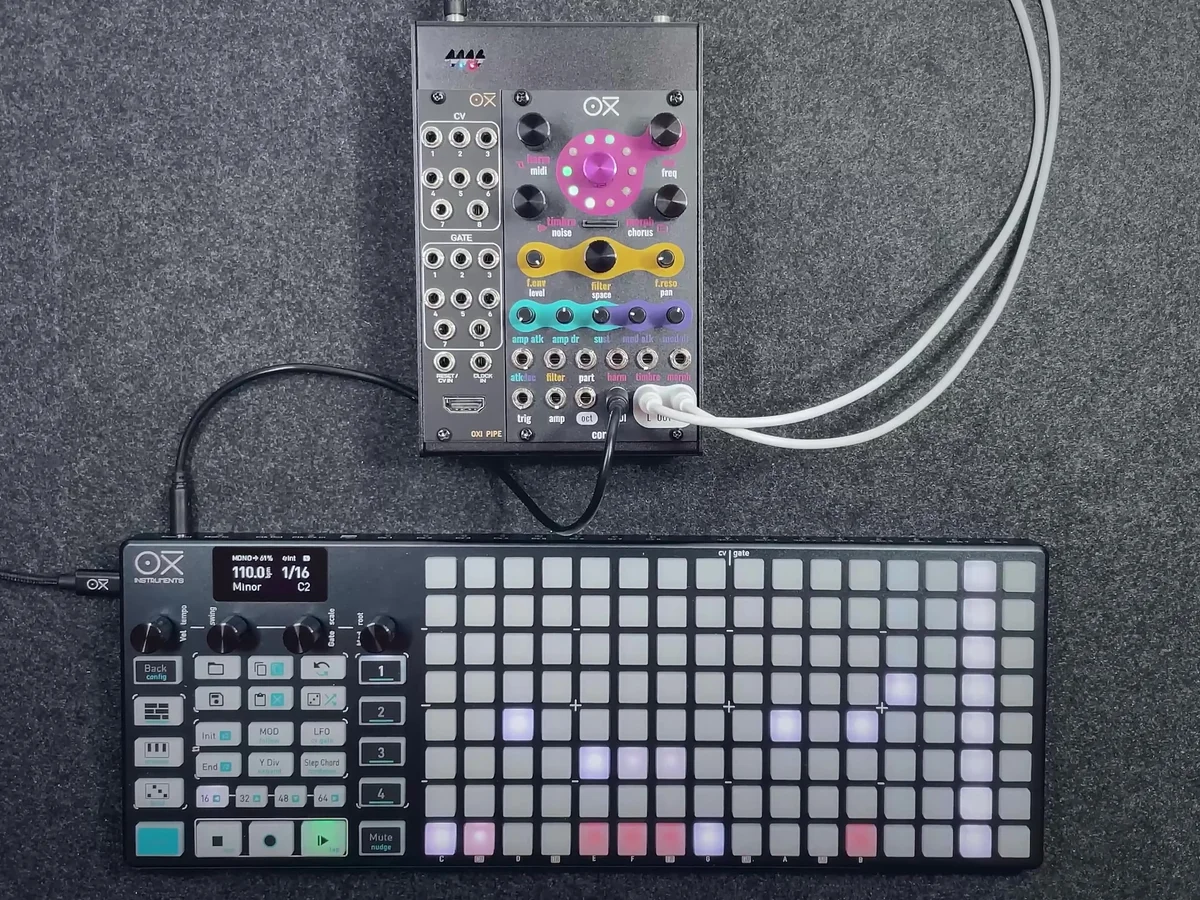
Since each voice stacks 8 oscillators, adding detune with Harm gives you an extremely thick sound. With Timbre turned all the way to the left, you get a pure Saw; as you turn it right, it transitions into a Square wave. Once you reach Square, you can use Morph to change the pulse width. Pushing the pulse width very narrow drops the volume and gives you a distinctive narrow-pulse sound.
Engine 6: String
A string engine using digital string resonance modeling. Each voice contains two modal string models.
The knob roles are as follows:
Harm: Inharmonicity amount or material selection. The value shifts the sound from metallic strings to softer material feel
Timbre: Brightness of the excitation (how hard you pluck the string) and dust density
Morph: Decay time (energy absorption)
Adjusting Morph (decay time) gives you a wide range of expression, from pizzicato-like short tones to long, sustained string sounds. Changing Harm (inharmonicity) alters the "material feel" of the string, shifting from natural guitar-like harmonics to artificial overtones like metal plates.
Engine 7: Hi Hat Synth
A percussion engine that blends two hi-hat models. It generates hi-hat sounds by combining metallic noise and filtered noise.
The knob roles are as follows:
Harm: Balance between the metallic sound and the filtered noise
Timbre: Cutoff frequency of the high-pass filter
Morph: Crossfade between the two models
As a common spec across the percussion engines, the mod dr (modulation decay) control affects the internal envelope's decay, controlling the overall amplitude and character of the sound. You can further adjust the AMP envelope's decay with a separate amp dr.
Engine 8: Snare Synth
An engine that blends two analog snare drum models. It generates snare drum sounds by combining body and noise components.
The knob roles are as follows:
Harm: Balance between the harmonic (body) and noise components
Timbre: Affects the sonic character of the body component
Morph: Crossfade between the two models
By balancing body and noise with Harm and blending the two snare models with Morph, you can create snare sounds of all sorts of characters. Just like the hi-hat, mod dr controls the overall decay of the sound.
Engine 9: Bass Drum Synth
An engine that blends two kick/bass drum digital emulations. It handles everything from deep bass drum sounds to hard kicks.
The knob roles are as follows:
Harm: Attack sharpness and overdrive amount
Timbre: Overall brightness
Morph: Crossfade between the two models
Use Harm (attack sharpness/overdrive) to dial in the sharpness of the kick's "head," Timbre for brightness, and Morph to blend the two models — and you get a wide range of kick sounds. mod dr controls the overall decay time of the kick.
Engine 10: Wave Player
A sample player engine that can play back samples of any bit depth, sample rate, and length (mono or stereo). You can store up to 32 samples each in up to 10 folders, and polyphonic sample playback is possible.
The knob roles are as follows:
Harm: Overdrive amount
Timbre: Sample selection within a folder
Morph: Folder selection (up to 10 folders)
Sample pitch is changed internally by adjusting playback speed. It supports up to 18 semitones up and 24 semitones down. Coral doesn't feature audio warping, so raising the pitch also speeds up playback. You can also switch folders in real time with the Morph knob, letting you quickly change source material mid-performance.
Wave Player supported formats: 16-bit, 24-bit, 32-bit, 32-bit float, sample rate 44100Hz or 48000Hz. For best performance, a U3-class SD card is recommended.
Practical Tips
Using Different Engines Per Voice
Each voice can have an engine assigned independently. For example, you can use voices 1-6 with MDO or wavetable for melody while assigning voices 7-8 to bass drum and snare — letting a single Coral module function as both a polysynth and a drum machine simultaneously.
Customizing the Wavetable and Wave Player
For Engine 4 (Wavetable), you can write custom wavetables to an SD card with the OXI Wave app and load them in. For Engine 10 (Wave Player), putting WAV samples on the SD card lets you use your own custom sample packs.
Differences in Engine Lineup by Firmware
OXI Coral's engine lineup varies depending on firmware. From the Update section of the OXI official site, you can download multiple firmware versions — configurations focused on drum engines, configurations that include ACID and 3VCO, and more. The engine lineup introduced in this EP.3 is just one example.
In the next episode, EP.4, I'll cover more detailed operation methods.
OXI Coral Product Details
You can find product details for the OXI Coral below.
8-voice multitimbral polysynth module in 14HP. Combines synth, sampler, and drum functions with a low-pass filter, chorus and reverb effects, custom wavetables, and multiple firmware options.
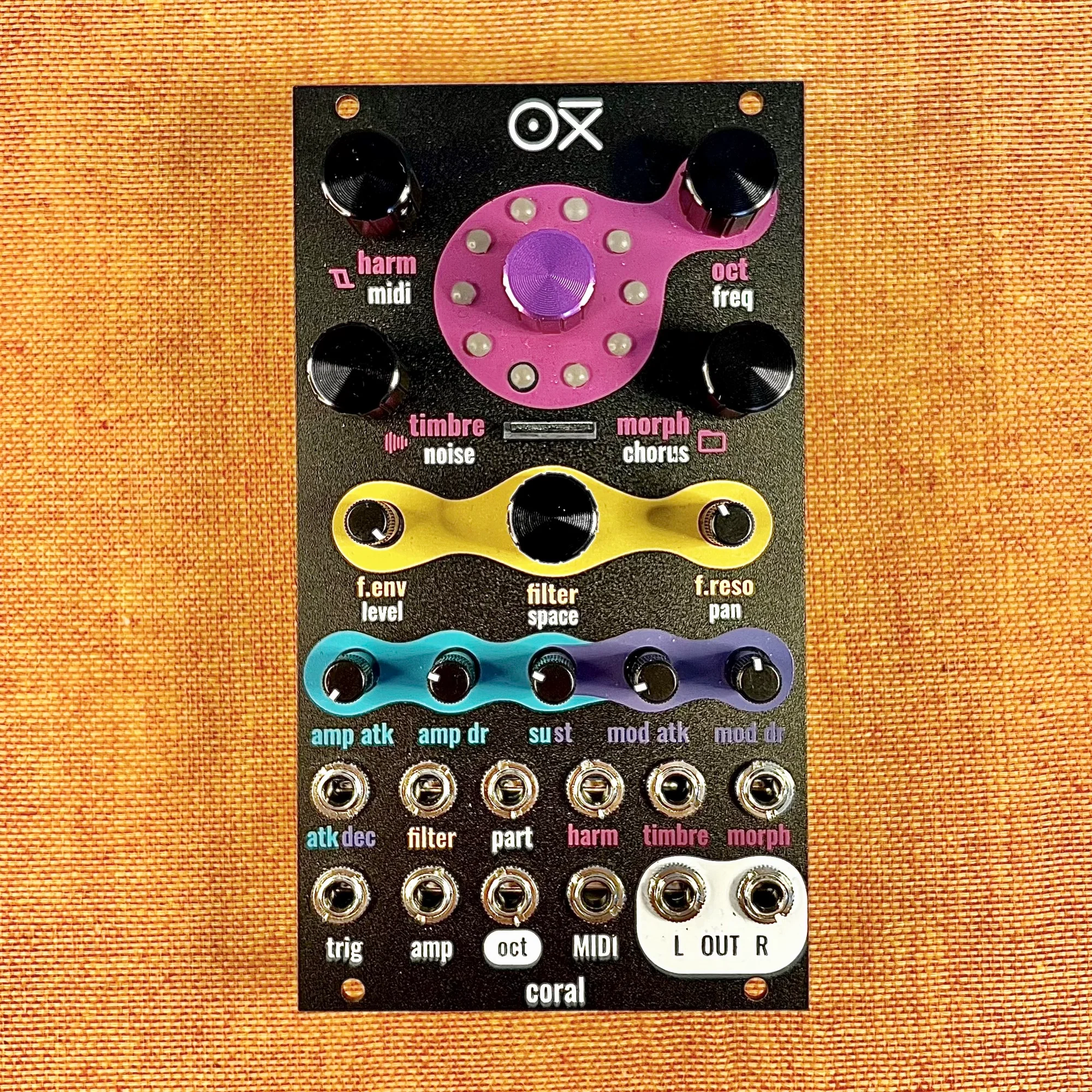
8-voice multitimbral polysynth module in 14HP. Combines synth, sampler, and drum functions with a low-pass filter, chorus and reverb effects, custom wavetables, and multiple firmware options. Black edition.